AI creates. Firmory remembers.
Turn AI-generated work into shared team memory. Keep files, sources, decisions, and updates connected—so your team can verify the work, continue it, and keep it current.
claude plugin marketplace add DepsilonAI/firmory-plugins && claude plugin install firmory@firmory-pluginscodex plugin marketplace add DepsilonAI/firmory-plugins && codex plugin add firmory@firmory-pluginsLess time reconstructing context. More time moving the work forward.
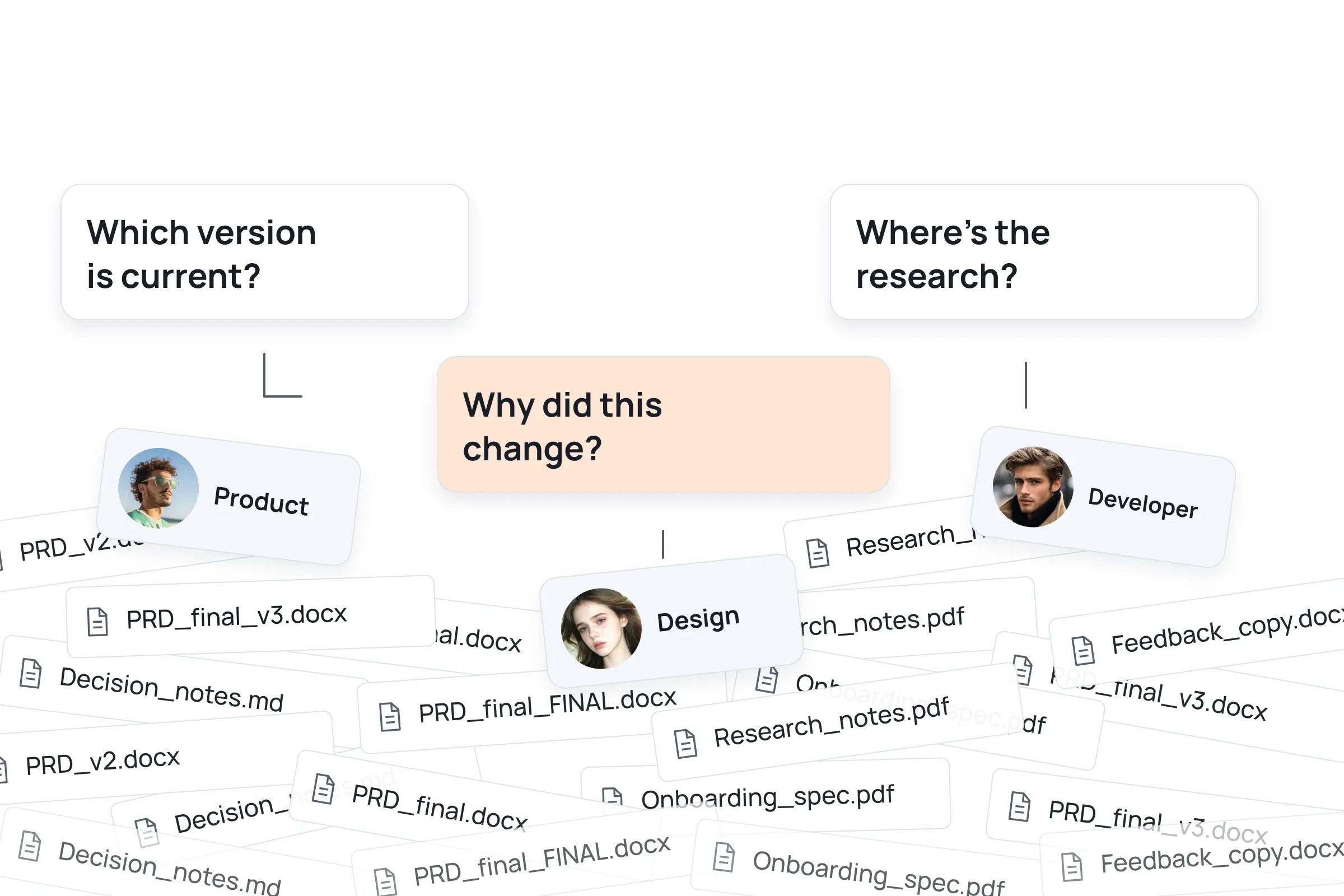
AI makes work faster. Handoffs still start with the same questions.
Files, AI-generated work, and project decisions are scattered across chats, laptops, and shared drives.
Before anyone can take over, you have to gather the files, explain the decisions, and follow up whenever something changes.
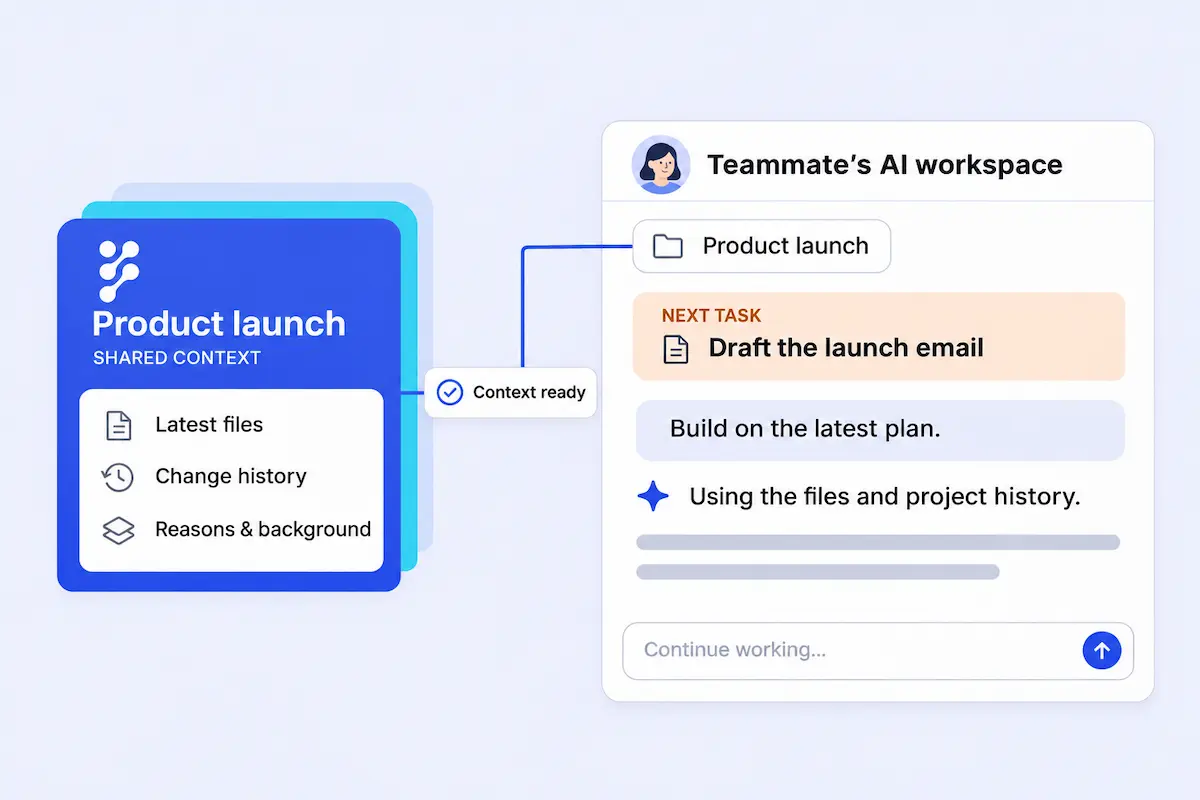
Your team can pick up where a teammate—or their AI—left off.
Keep each output connected to its sources and recorded context, so the next person can understand it before continuing the work.
When a source file changes, the people whose work references it are notified so they can review the impact and decide what to update.
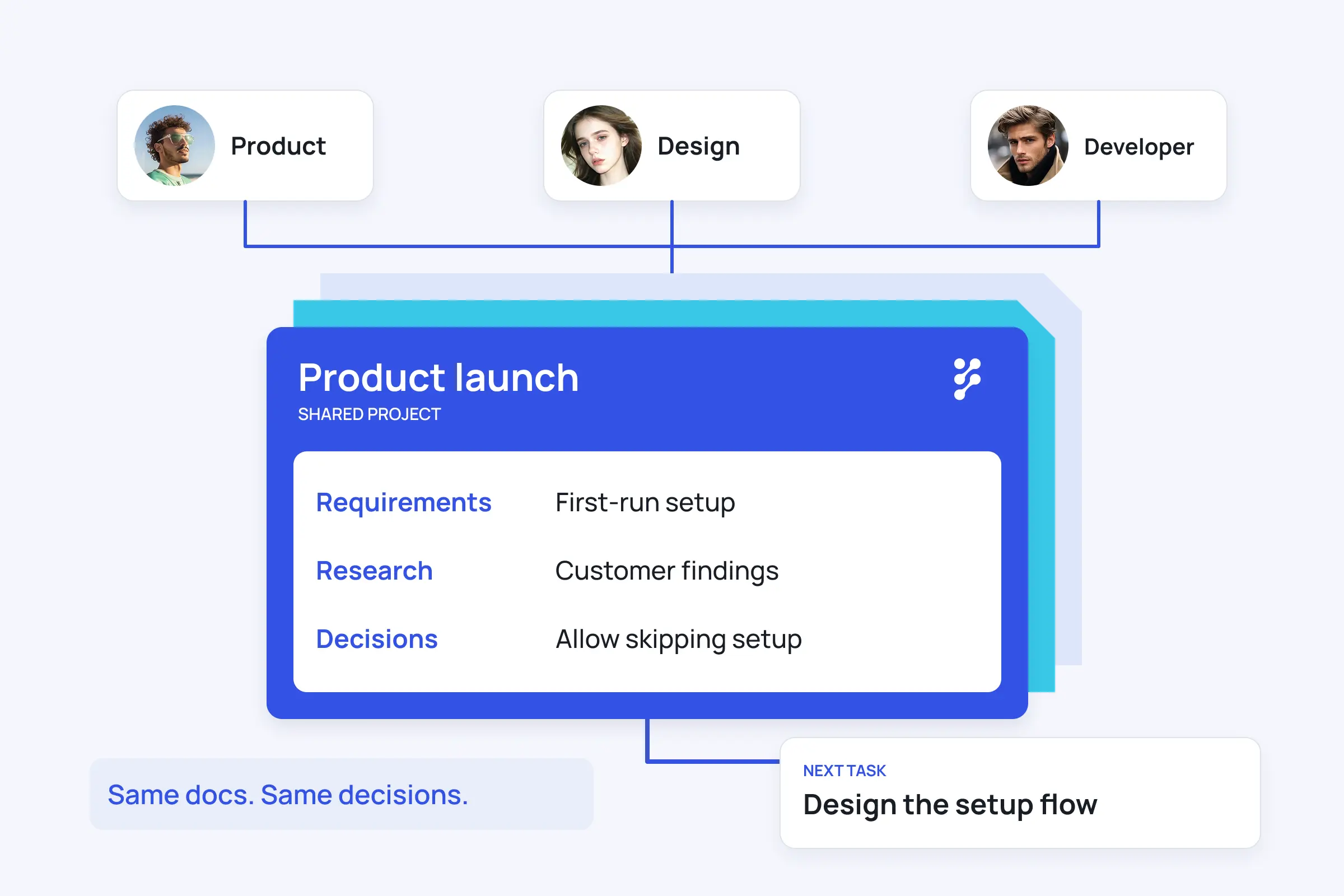
Keep AI-generated work connected to its sources, decisions, and updates.

Trace what the work was built from.
Keep project files and AI-generated outputs in one shared project. Teammates can see what was used, review earlier versions, and continue without reconstructing the task from chats.

Preserve the decisions behind the work.
Project memory helps teammates see what an output was based on, what changed, and which decisions were recorded with it.
Know when a file your work depends on changes.
A change to one brief can affect several deliverables. Firmory notifies the people who referenced it, so they can review the changes and decide whether to update their work.
Connect AI-generated work to the people who continue it.
- 01
Connect the AI tools you already use.
Connect ChatGPT, Claude Code, or Codex to work with files from your Firmory project.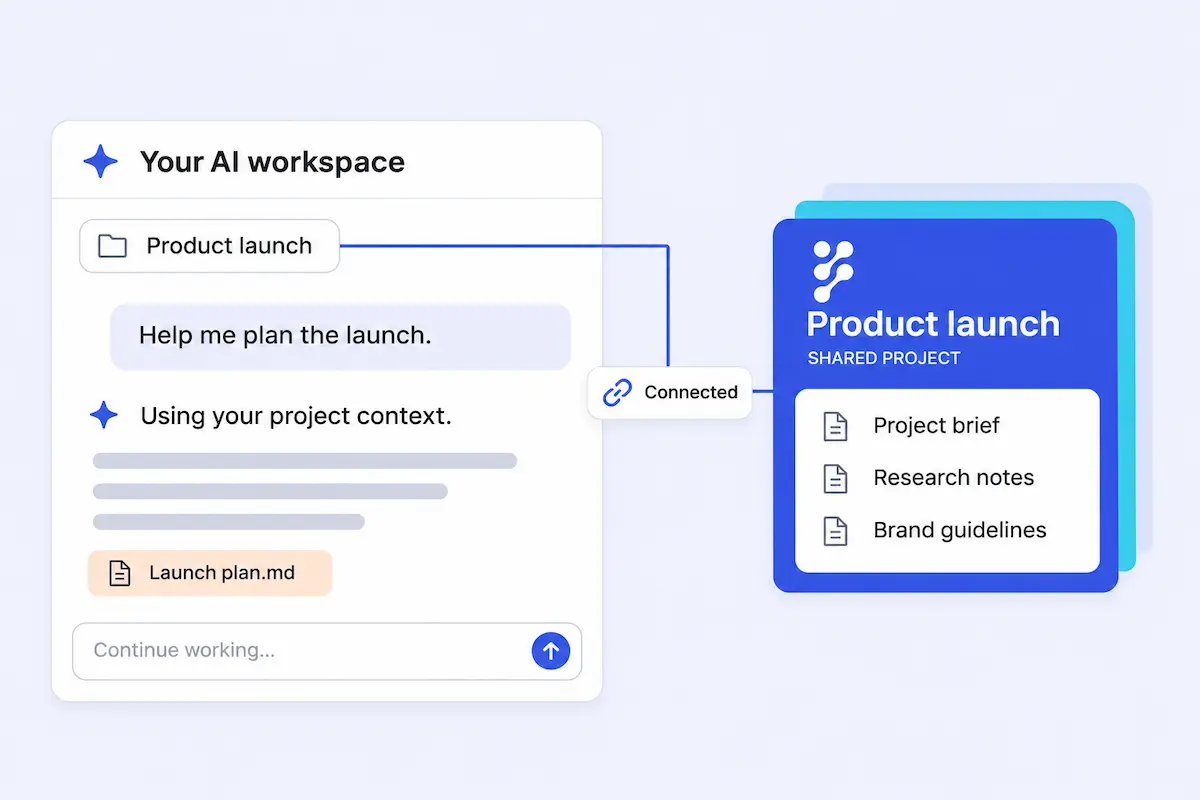
- 02
Bring AI-generated work back to the shared project.
New and updated files return to the shared project, where teammates can review what changed and continue from the latest version.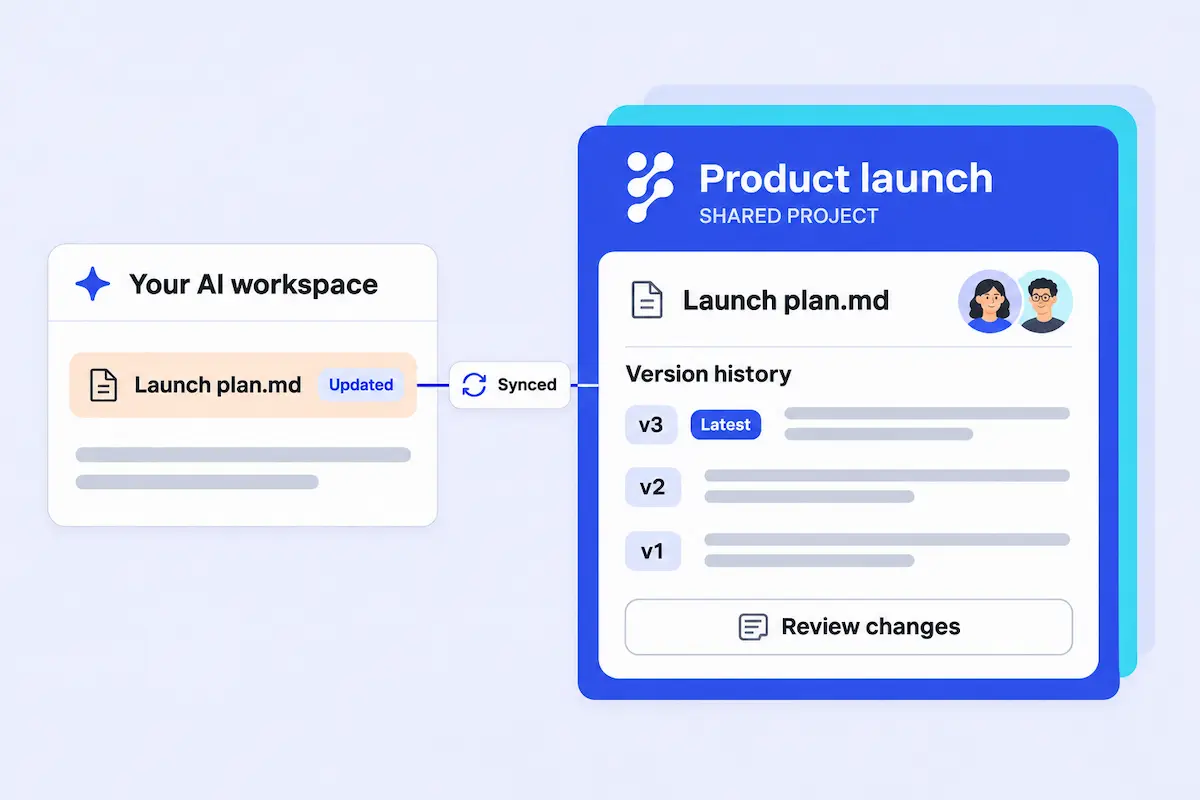
- 03
Capture what changed—and the context behind it.
Firmory’s Memory Agent summarizes recorded file changes, decision notes, and project background, so the team can follow how the work evolved.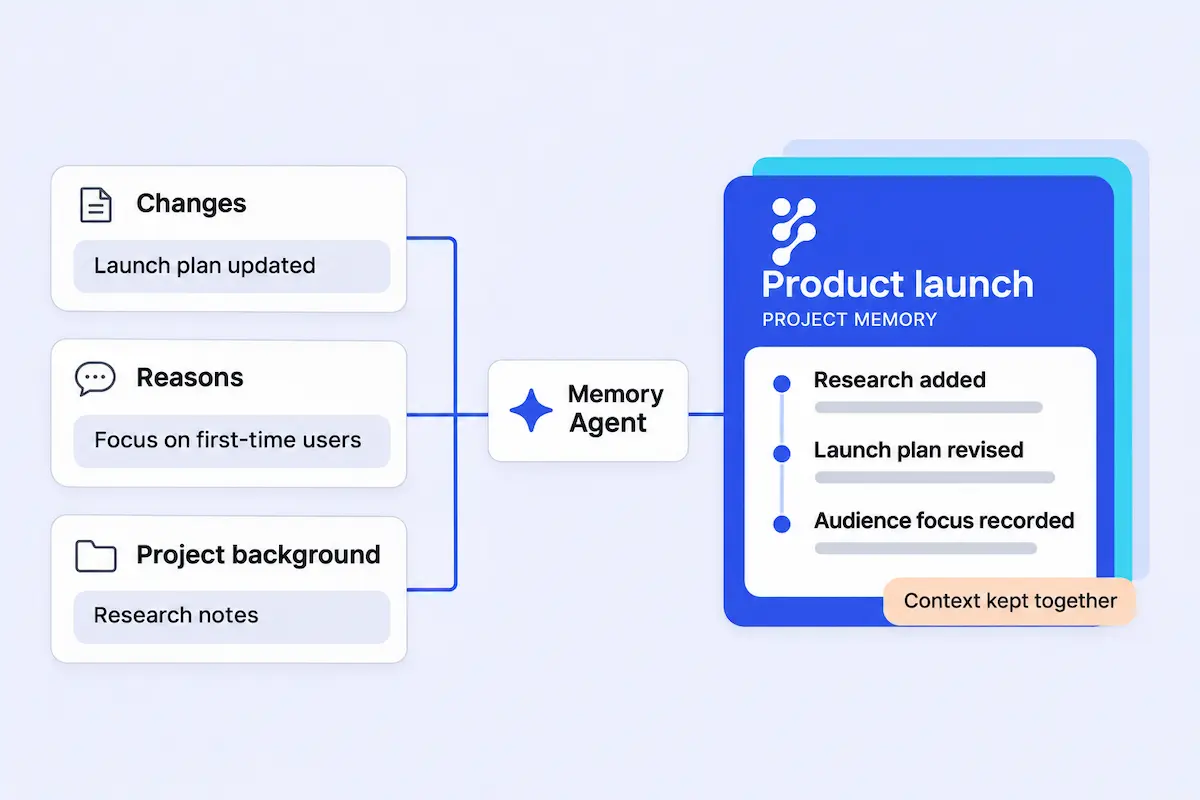
- 04
Give the next person the context to continue.
Teammates can review the project history and recent changes before taking over, with fewer questions and less back-and-forth.